
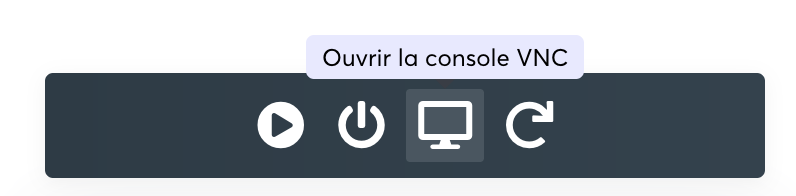
Our KVM VPS includes a noVNC access available from the management panel. To access it, you first need to log in to the KVM VPS management panel and then click the Console button in the VPS management bar:
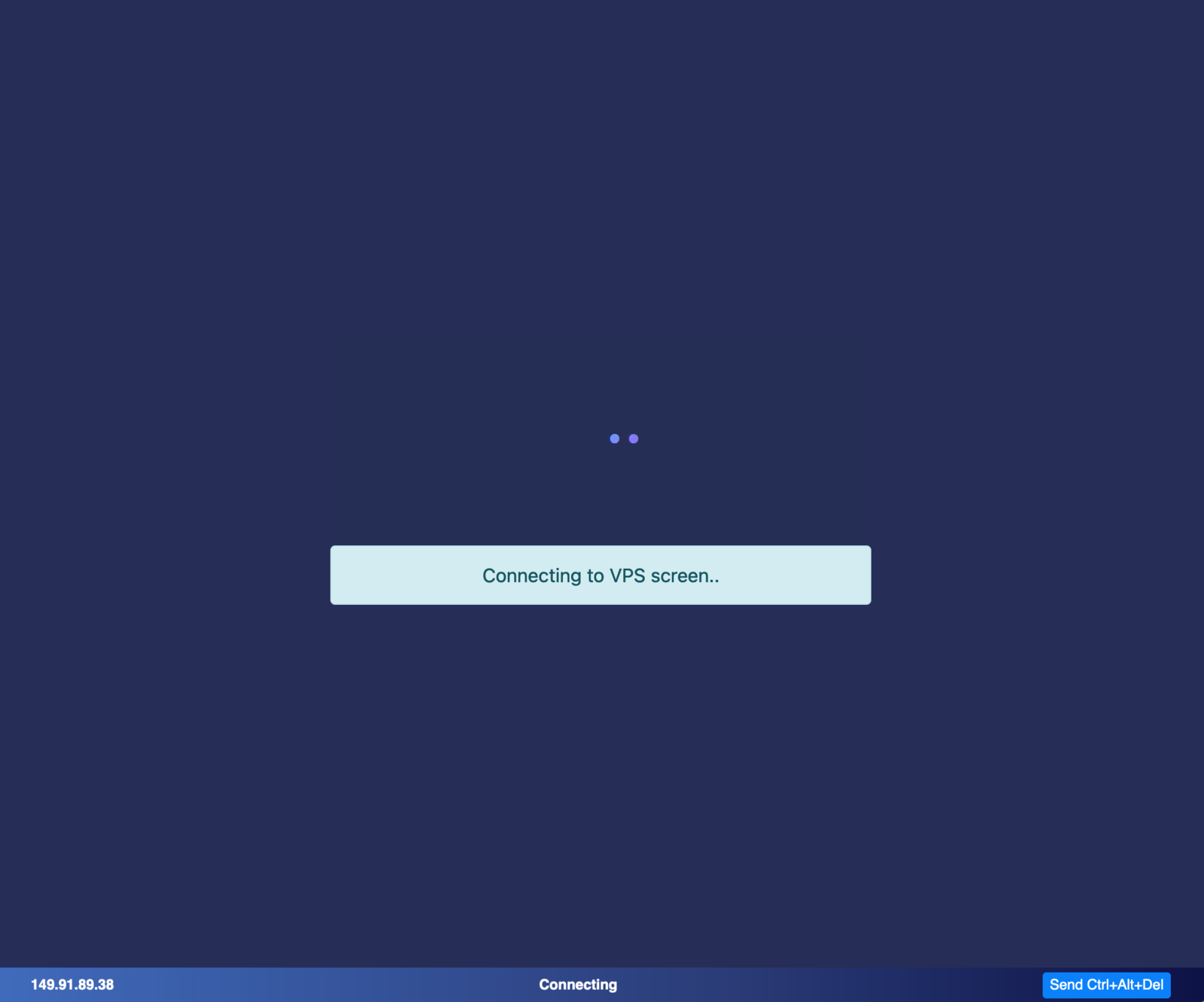
A console will then open, allowing you to access your VPS:
The VNC console is a valuable tool, especially if you lose network access to your VPS following a mishandling. However, it is important to note that we recommend using the VNC console from the client area only for emergency access, for example to check the state of a VPS or fix a configuration issue. In production, the VNC console is not optimized for daily use, and we advise you instead to use SSH access or to install a VNC server directly on the VPS.
By default, the keyboard layout of the operating systems provided by PulseHeberg is US type, in order to suit the largest number of users. However, you can change the layout to your liking. You can do it temporarily with the command "loadkeys fr" to switch to French, or permanently with the command "dpkg-reconfigure keyboard-configuration". These commands are specific to Debian and Ubuntu based operating systems.