
Changing the reverse DNS (PTR) is essential if you want to use your VPS server for an email sending service.
To change the reverse DNS, simply go to the management panel of your VPS server in the PulseHeberg client area, then in the VM Details tab, enter the PTR you want to set up in the Your reverse DNS (PTR) field:
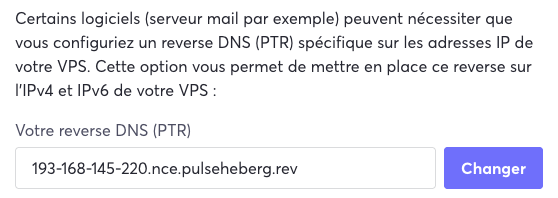
Click Change to save the PTR modification.