
A domain alias lets you have multiple domains on your Hosted Email Zimbra with automatic alias creation for each of your email addresses.
For example, if you add the domain monsuperndd.fr as an alias of monsuperndd.eu, all email addresses @monsuperndd.eu will also work with the domain @monsuperndd.fr
You can create a domain alias from your PulseHeberg manager in the details of your Hosted Email service by clicking on the Alias du domaine button
You will then arrive on a page summarizing the existing domain aliases:
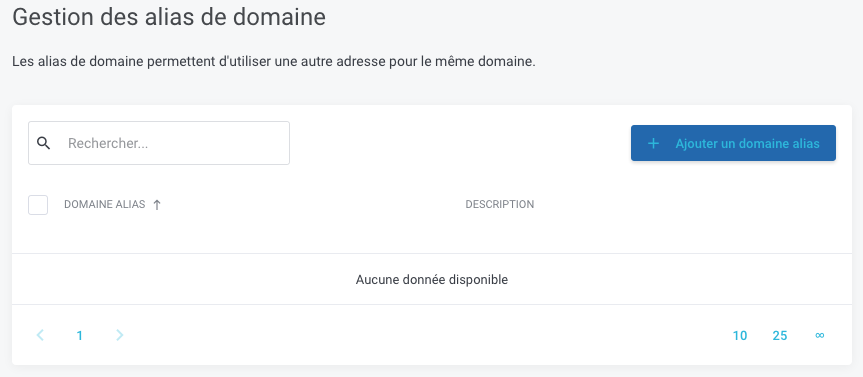
In our example, we don't have any.
To create a new account, you need to click on the Ajouter un domaine alias button and then fill in the fields in the pop-up that opens:
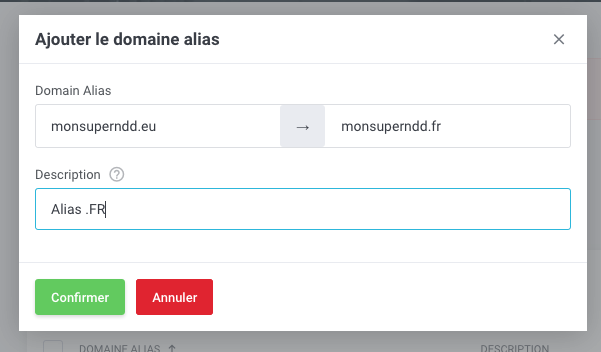
And finally click on the Confirmer button to validate the creation of this domain alias