
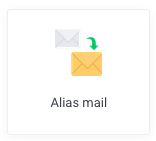
An email alias lets you have a secondary address on a Zimbra email account. You can create an alias from the management panel by clicking on Alias mail:
You will then arrive at the page listing the existing aliases:
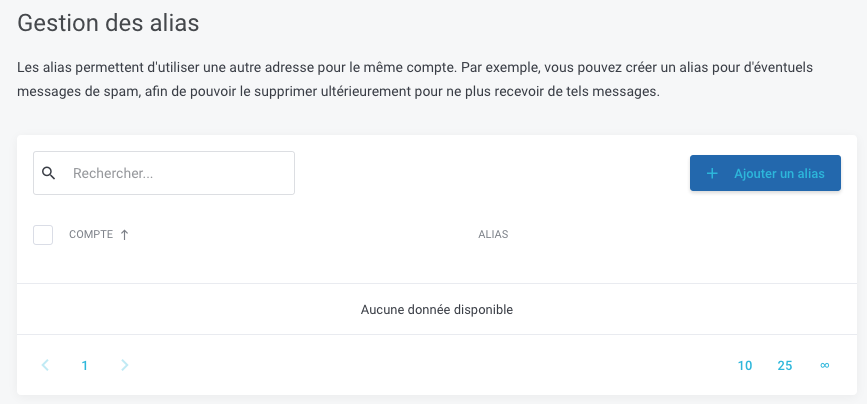
In our example, there are none.
To create a new account, click on the Ajouter un alias (Add an alias) button, then fill in the fields in the pop-up that opens:
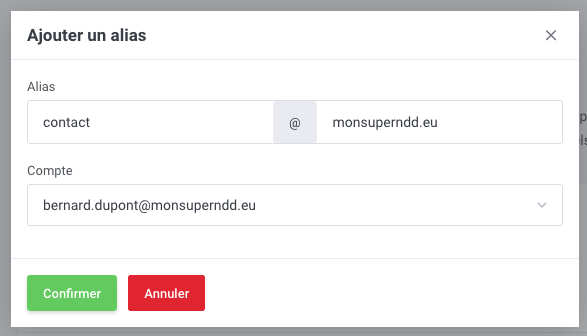
In our example, we want emails sent to [email protected] to be forwarded to Bernard Dupont's account.
To confirm the creation of this alias, simply click on the Confirmer (Confirm) button.