Accessing your dedicated server's management panel#
To shut down, power on, or restart your dedicated server, you first need to go to your dedicated server's management panel. If you don't know where to find it, you can check our documentation: Overview of my dedicated server's management panel
My dedicated server's status#
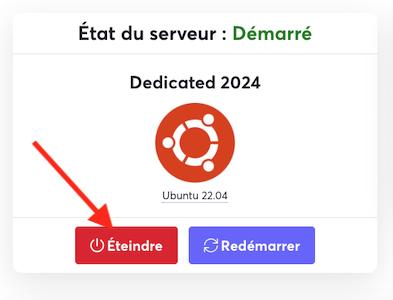
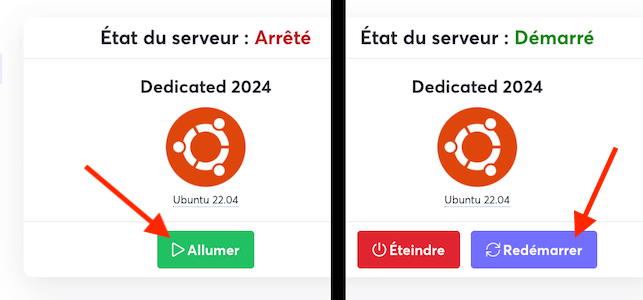
The management panel lets you see the power status of your dedicated server. The state (Started, Stopped, or Unknown) corresponds to the power supply status of your server. If there is a configuration problem on your server (a bad network configuration, for example), your server may show a "Started" state (because it is electrically powered on) while still being unreachable for you.
How do I start or restart my server?#
Depending on the state your server is in, you can click the "Power On" or "Restart" button in the dedicated server status window.
How do I shut down my server?#
If your server is running and you want to shut it down, simply click the corresponding button in your server's status window.