How do I access the management panel of my dedicated server?#
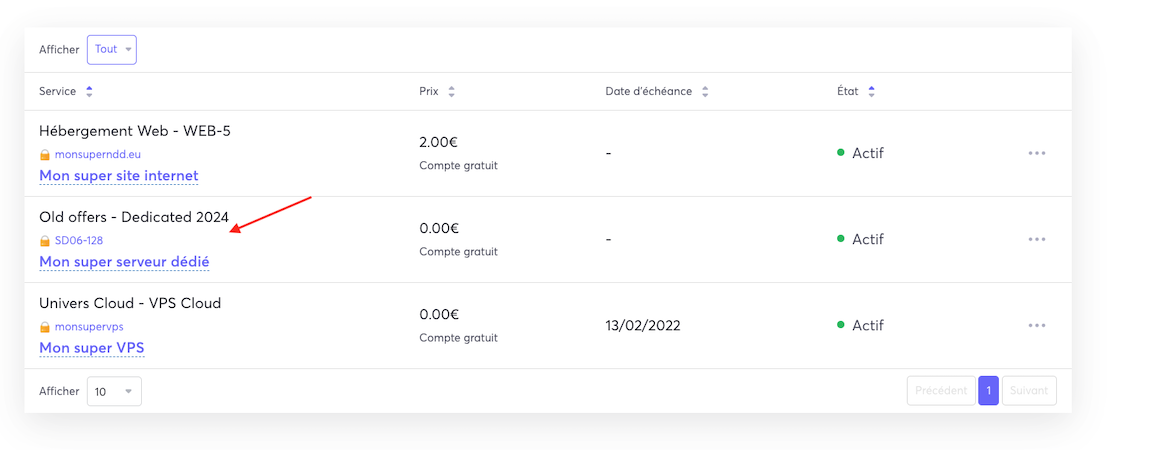
You can access the management panel of your dedicated server directly from your client area. Simply go to the My Services page, which displays a list of all your active services.
All that's left to do is click on the service corresponding to your dedicated server, and you will be redirected to the management panel of your dedicated server.
What does the management panel look like?#
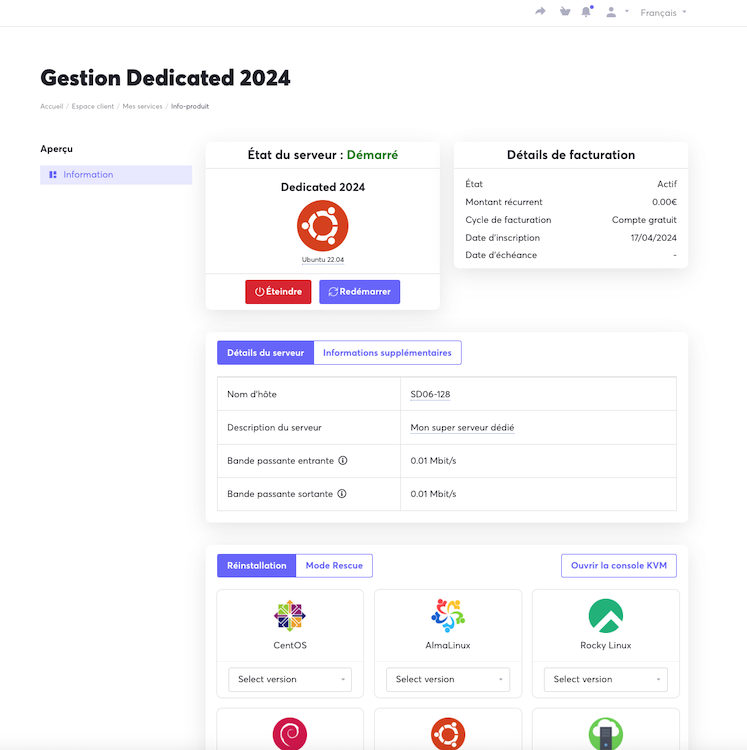
We offer a very intuitive management panel that allows you to handle common tasks of your dedicated server in just a few clicks (reboot, reinstallation, reverse DNS changes, access to the KVM/IPMI console, etc). You will find a preview of the panel below.
For more details on each of the options in this panel, feel free to check out the documentation related to our dedicated server range.