
After a mishandling (kernel modification, deletion of a system file, etc.), you may damage the operating system of your VPS. In this situation, it is possible that your VPS can no longer boot at all.
In such a situation, our support team unfortunately cannot assist you. We do not have access to your VPS, for technical reasons (KVM virtualization prevents any access to your data) as well as for the confidentiality of your data. However, your management panel provides everything you need to start a rescue system on your VPS, so you can regain access to your data and repair your VPS.
To do this, click on the Tools tab in the VPS management panel:

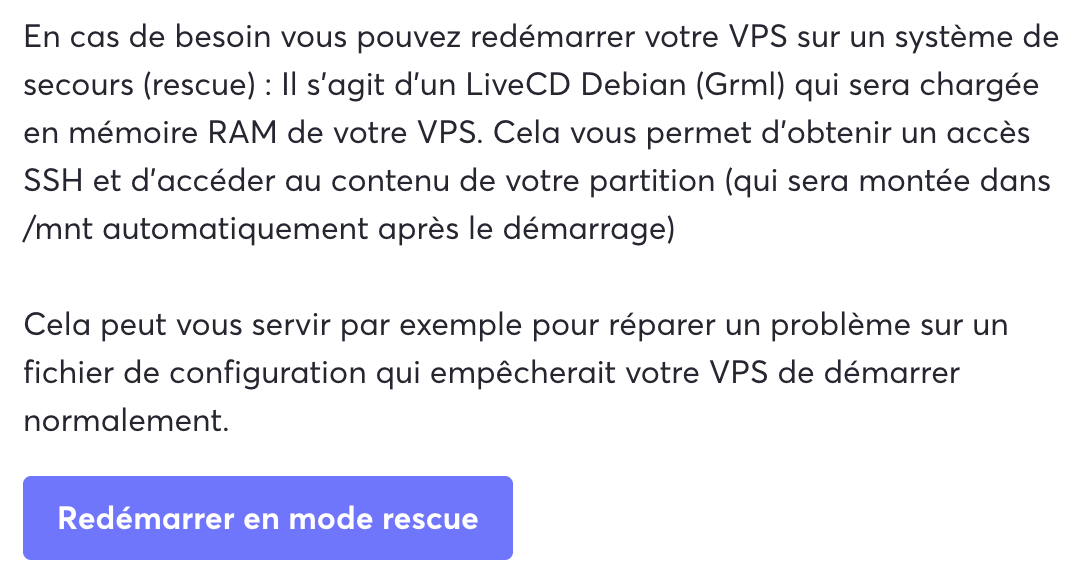
Under the Tools tab, simply click on the Reboot in rescue mode button:
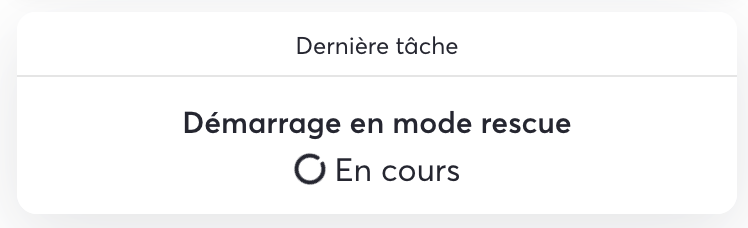
The switch to rescue mode task runs:
Once the switch to rescue mode is complete, a pop-up appears with the temporary root password. You can connect to the VPS directly using its public IP address or via the VNC console.