
A "catch-all" address is designed to receive all emails sent to addresses that do not exist on your domain name. This guide explains how to set one up.
Step 1: Access the configuration menu#
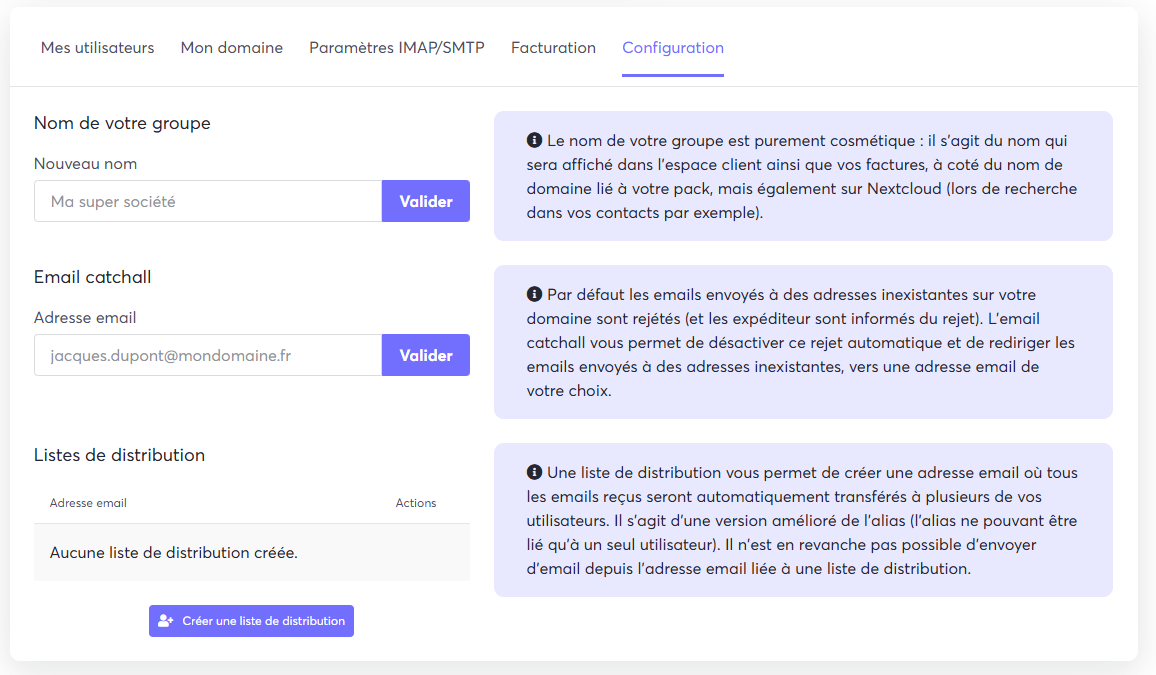
- From your customer area, go to the Configuration tab.
- On this page, locate the option labelled Email catchall.
Step 2: Set the address and confirm#
- In the input field, enter the full email address you want to use as your "catch-all". This is the address that will receive all the relevant emails.
- Click the Confirm (Valider) button to save your configuration.
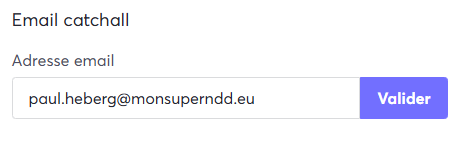
Your "catch-all" email address is now active.