
If you need to add a specific DNS record and your DNS zone is managed by the Plesk panel, you need to go to the DNS Settings tab:

You will then be taken to a page showing the entire DNS zone currently in place for your domain name:
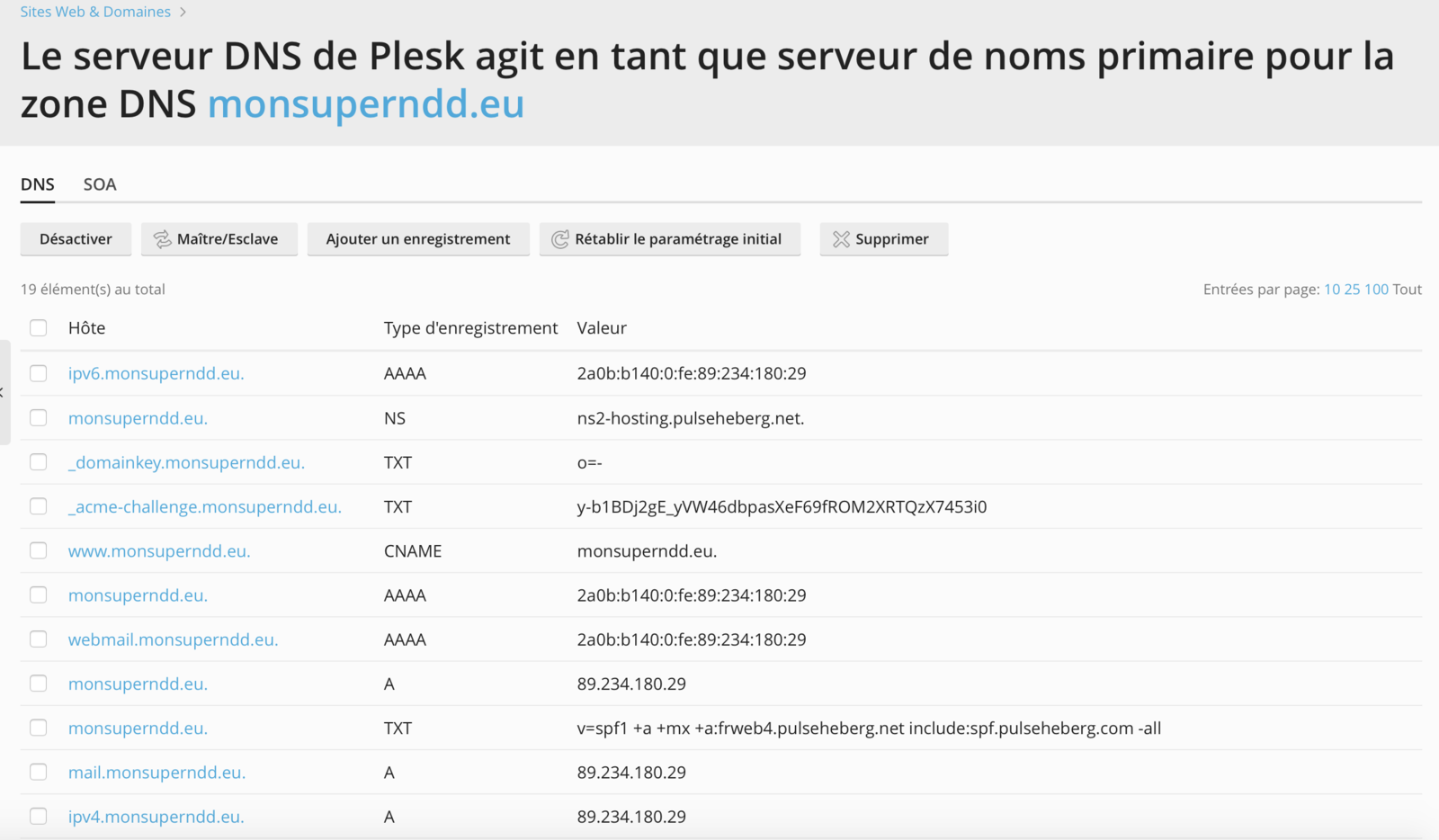
To add a DNS record, simply click the Add a record button:

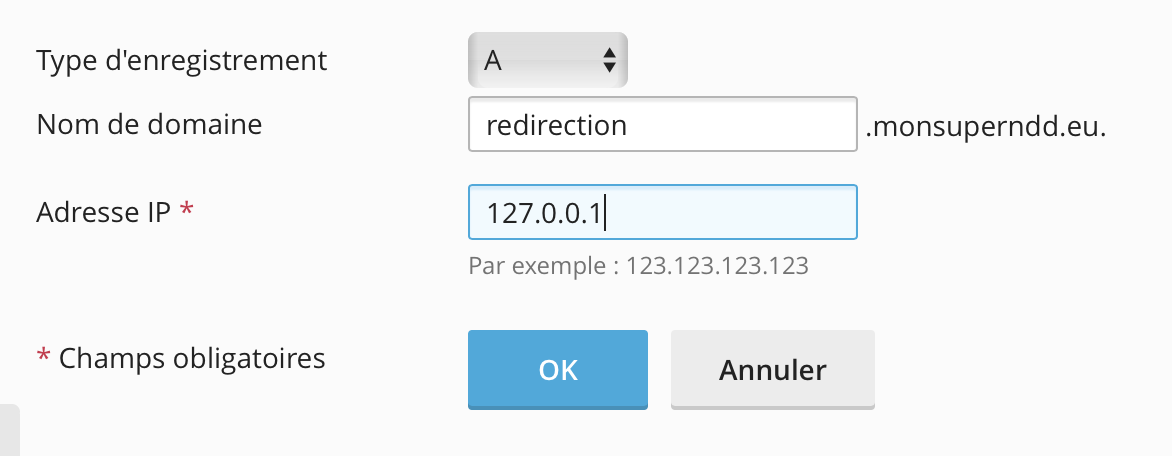
Then fill in the fields with the DNS configuration you want to set up, and click OK:
Once the record has been added, the panel takes you back to the previous page with a preview of your future DNS zone. If you are happy with it, click the Update button to apply it:
