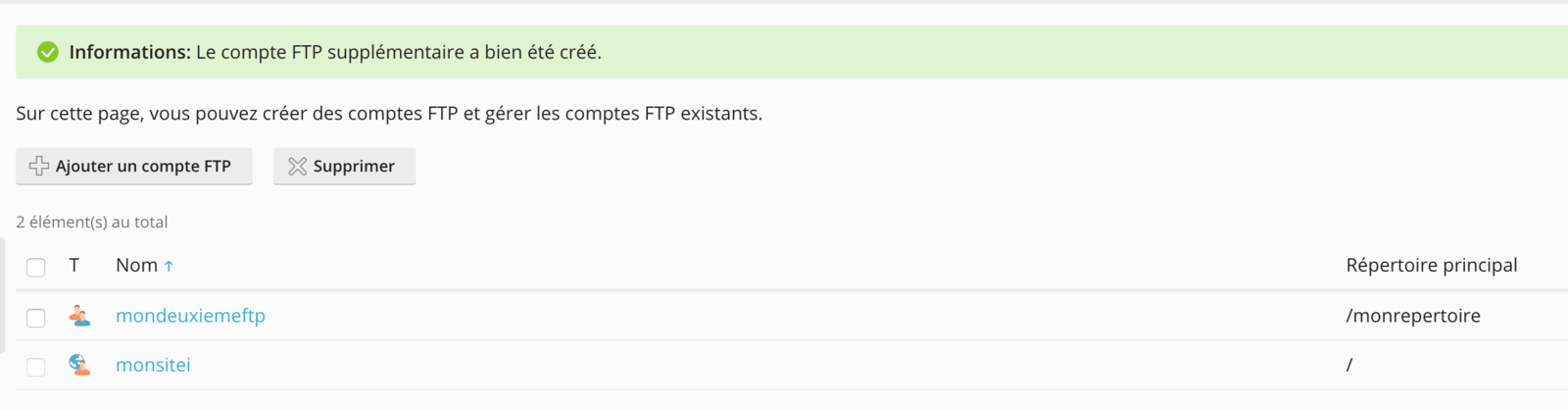
To create an additional FTP access from your Plesk panel, simply go to the FTP Access section:

This page lists all existing FTP accesses for your hosting as well as the directory each one points to:
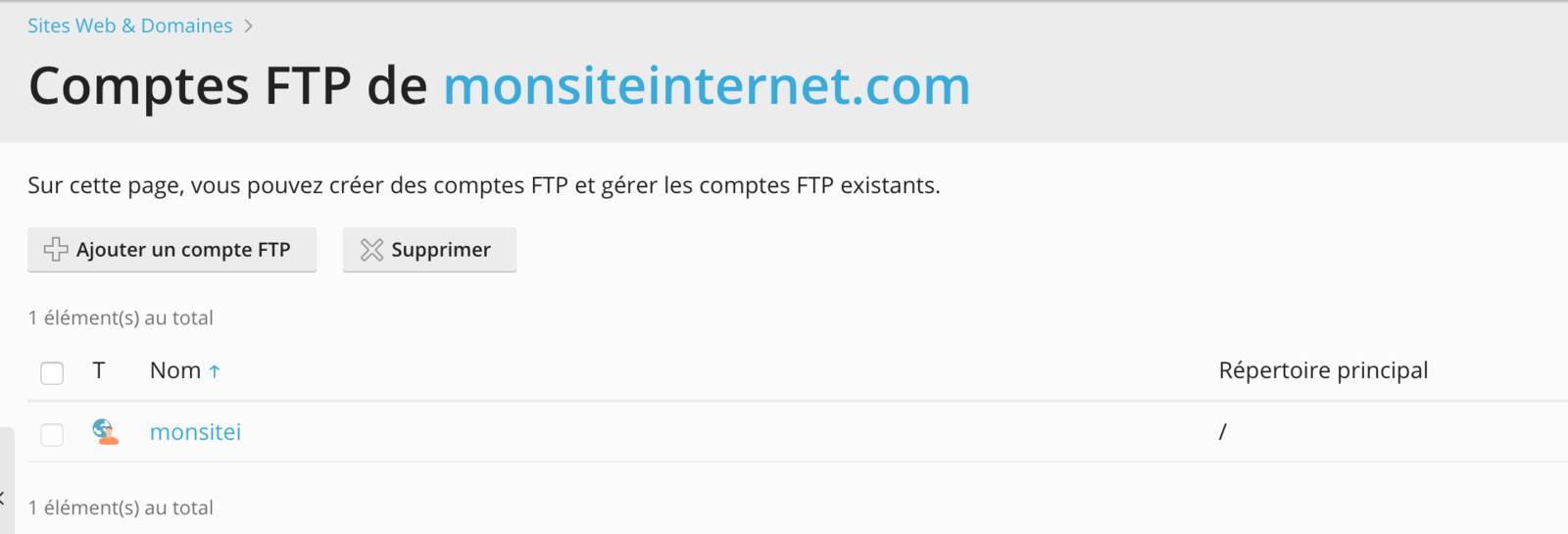
To create a new account, simply click on Add an FTP account:

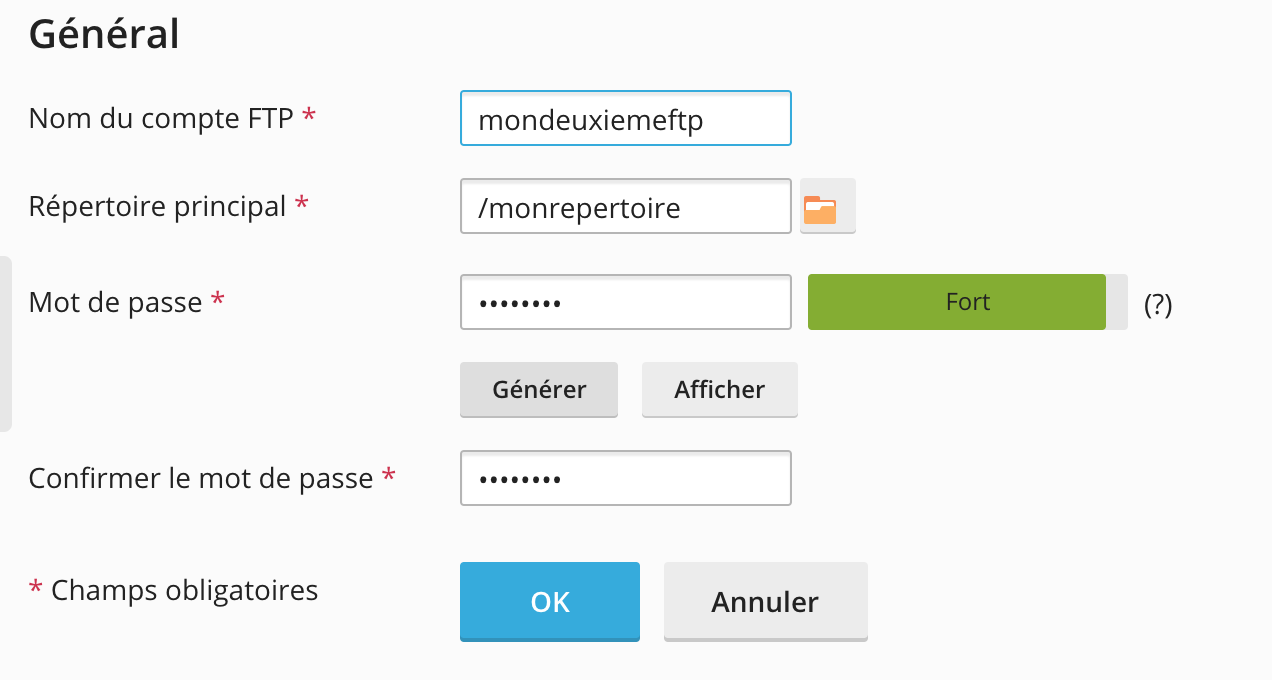
In the form, fill in the information you want for this FTP account, such as the username, the directory it points to, and the password:
Once the FTP access has been created, it appears in the list of FTP accounts for your hosting: